10 Framer Portfolio Templates to Showcase Your Work
Explore 10 Framer portfolio templates (free + paid) to showcase creative work, studios, agencies, and freelancers—plus tips to choose the right one.

Solt Wagner
Designer & Founder of Frameblox
Pick a Framer Portfolio Template That Fits Your Work (Fast)
If you’ve ever opened the Framer Marketplace and thought, “Cool… but which one actually fits my work?”, you’re not alone. Choosing the right Framer templates portfolio setup is less about finding “the best” and more about finding the one that makes your work feel obvious, easy to browse, and memorable in the first 10 seconds.
What to decide first: style (playful vs minimal), role (designer/agency), and content (case studies vs gallery)
Start with three quick decisions:
Style: Do you want playful personality, modern polish, animation-led energy, or minimal restraint? The style you choose should match the vibe of your work, not fight it.
Role: Are you presenting as an individual designer, a freelancer-for-hire, or a full agency/studio? Some Framer templates portfolio options are clearly oriented toward “client services,” while others feel more like personal showcases.
Content format: If you have deep case studies, you’ll want a template that makes project storytelling easy. If your work is visual-first (like illustration or motion), a gallery-first approach can be better.

Your website, live in minutes
No-code site builder with a 0% fee shop. Free to start.
Need a quick site that isn't a full Framer project? Try Yee. It's a no-code site and link-in-bio builder: drag in sections, pick a theme, and you're live in minutes.
Link-in-bio, portfolio, or a simple multi-page site
Sell digital products (like your Framer templates) with 0% platform fee
Bookings, blog, built-in analytics, custom domain
Free plan available, Pro from $29/year. Build your site free on Yee →
Free vs paid templates: what you might gain by upgrading
A free Framer portfolio template can absolutely be enough—especially if you’re moving fast. Paid options can be worth it when you want a more premium baseline for an agency site, or you’d rather start from something that already feels “client-ready.” For a SaaS brand like frameblox.com (where speed and consistency matter), the real win is choosing a template that won’t require a total redesign once you add more projects.
How to use this list: match each template’s use case to your portfolio goals
Below are 10 vetted marketplace pages and templates—each with a specific use case. I’ll share what each one is best at, what to watch out for, and who it fits. If your end goal is to customize quickly, pairing a solid Framer templates portfolio foundation with a systemized component library (like the sections and components in Components) can save you a ridiculous amount of time once you start tweaking layouts and rebuilding sections.
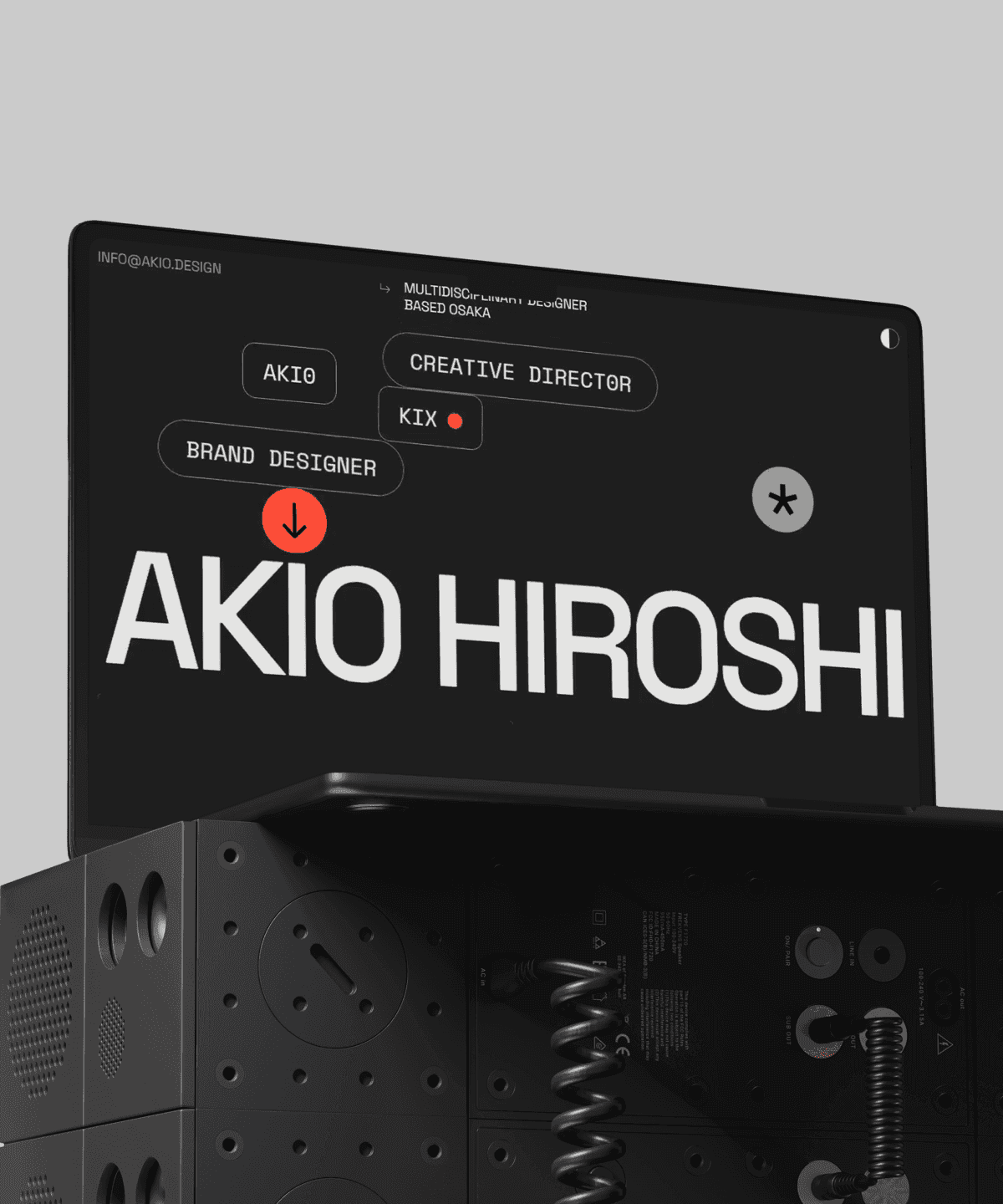
Akio — Playful Portfolio for Creative Work
If your work has personality—and you actually want the site to feel like it—Akio is one of the more “fun-first” picks in the Framer Marketplace. It’s a free Framer portfolio template that leans into a playful presentation style, which can be perfect when you’re showcasing creative projects that don’t fit into a strict corporate box.
Features: playful presentation style for showcasing projects
What I really like about Akio is that it gives you permission to be a bit lighter. The layout and vibe are geared toward making projects feel approachable and engaging rather than overly formal.
Use case: creative portfolio showcasing work in an engaging way
Akio’s sweet spot is a creative portfolio where you want visitors to click around and explore. If your projects are colorful, experimental, or have a strong visual identity, this Framer templates portfolio option can help reinforce that right away.
Pros/Cons: Free template; may be best for playful aesthetics
Pros: It’s free, it’s playful, and it can help your portfolio feel memorable.
Cons: If you’re aiming for ultra-minimal luxury or super corporate client work, the playful vibe might be slightly off-brand unless you restyle it.
Who it’s for: creatives who want a light, fun portfolio vibe
If you’re an illustrator, visual designer, or multi-disciplinary creative who wants your website to feel like you, Akio is a strong starting point.
Akio by Joao Alano
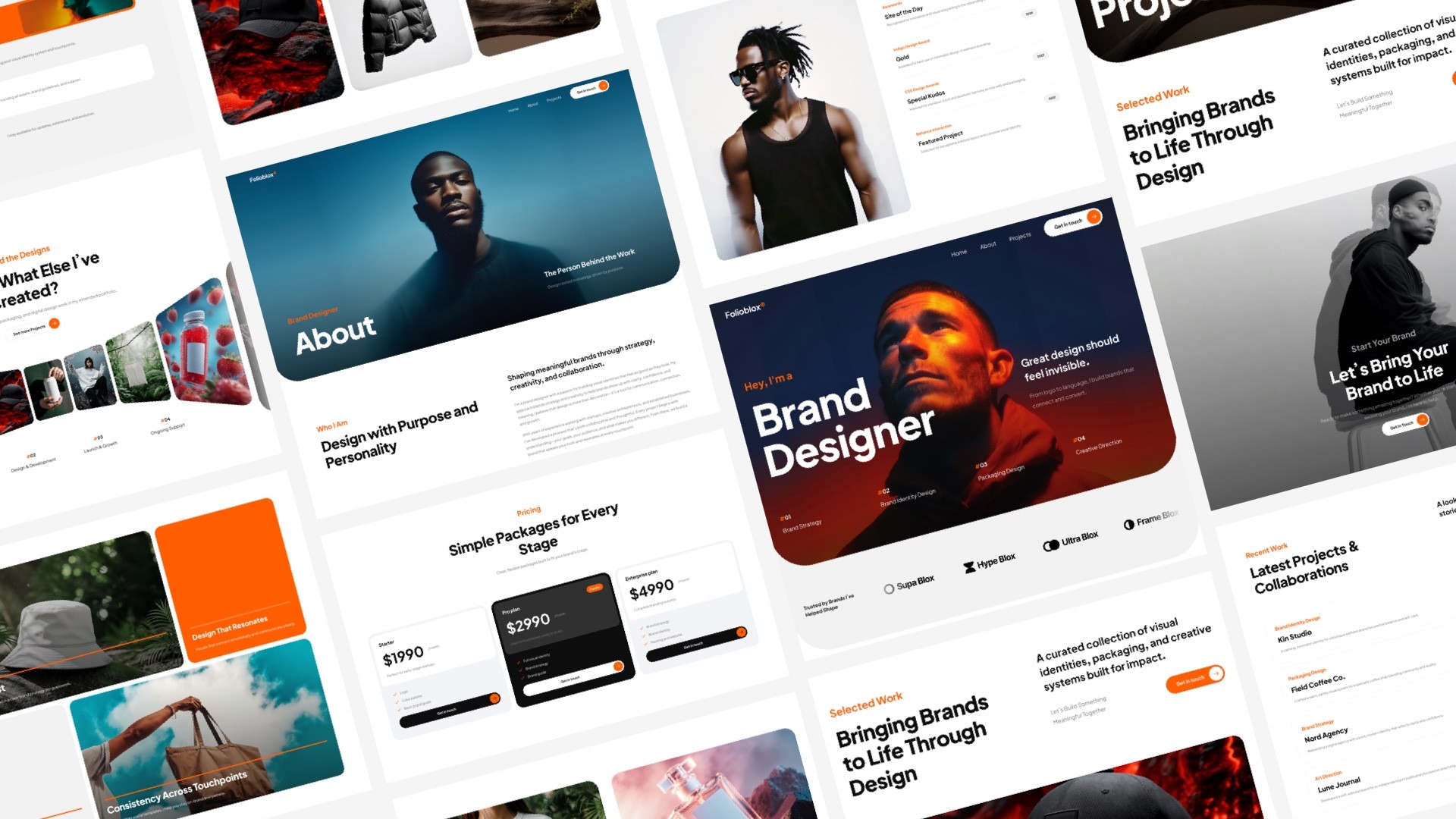
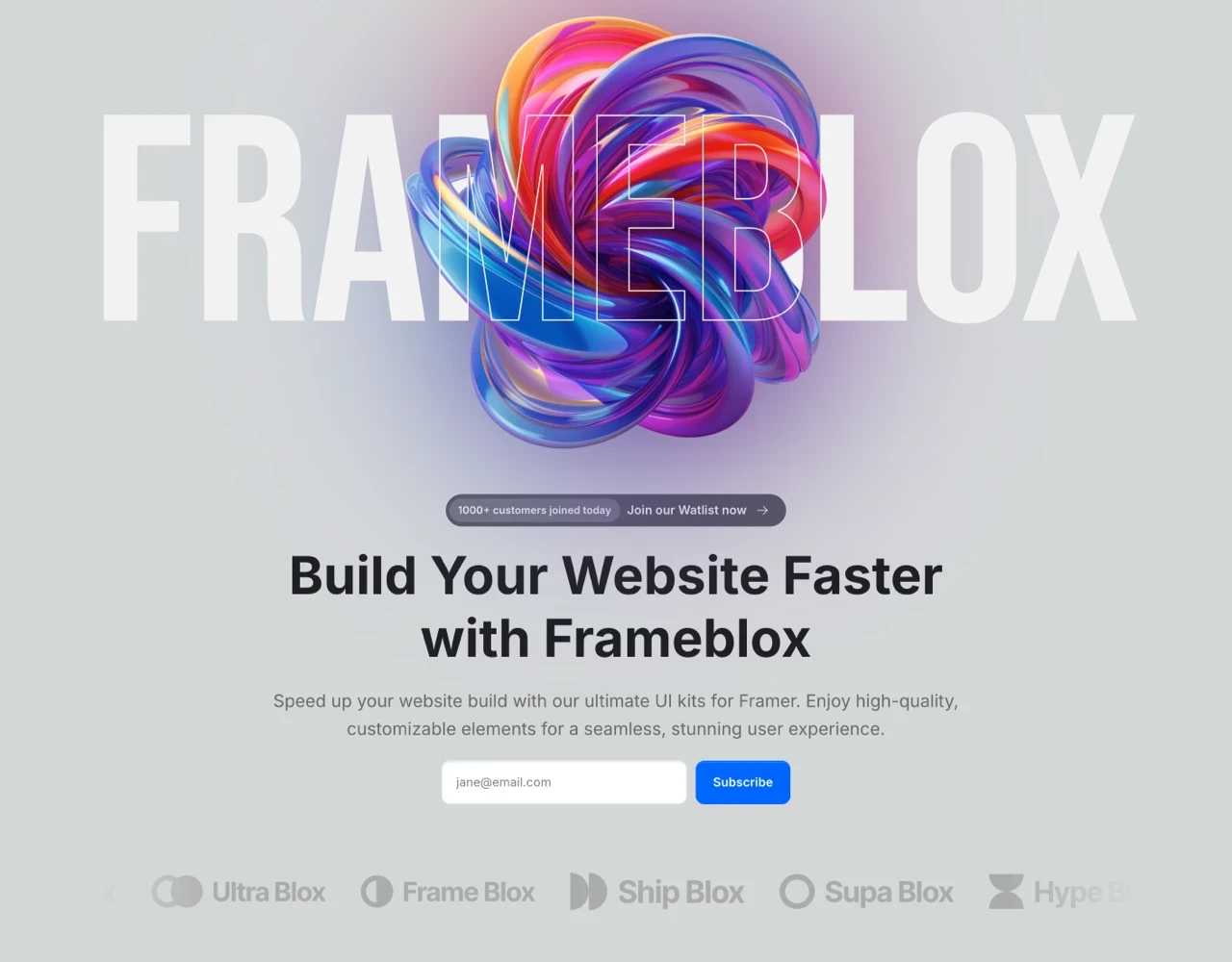
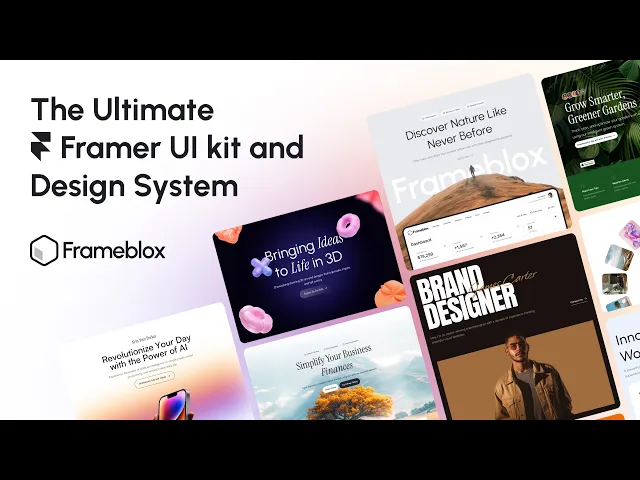
Ultimate UI kit, Component Library & Design System Framer Plugin
Launch your website faster with the Frameblox Plugin for Framer. Accelerate your process using drag-and-drop prebuilt components and sections from

Ultimate UI Kit Component Library for Framer - Frameblox
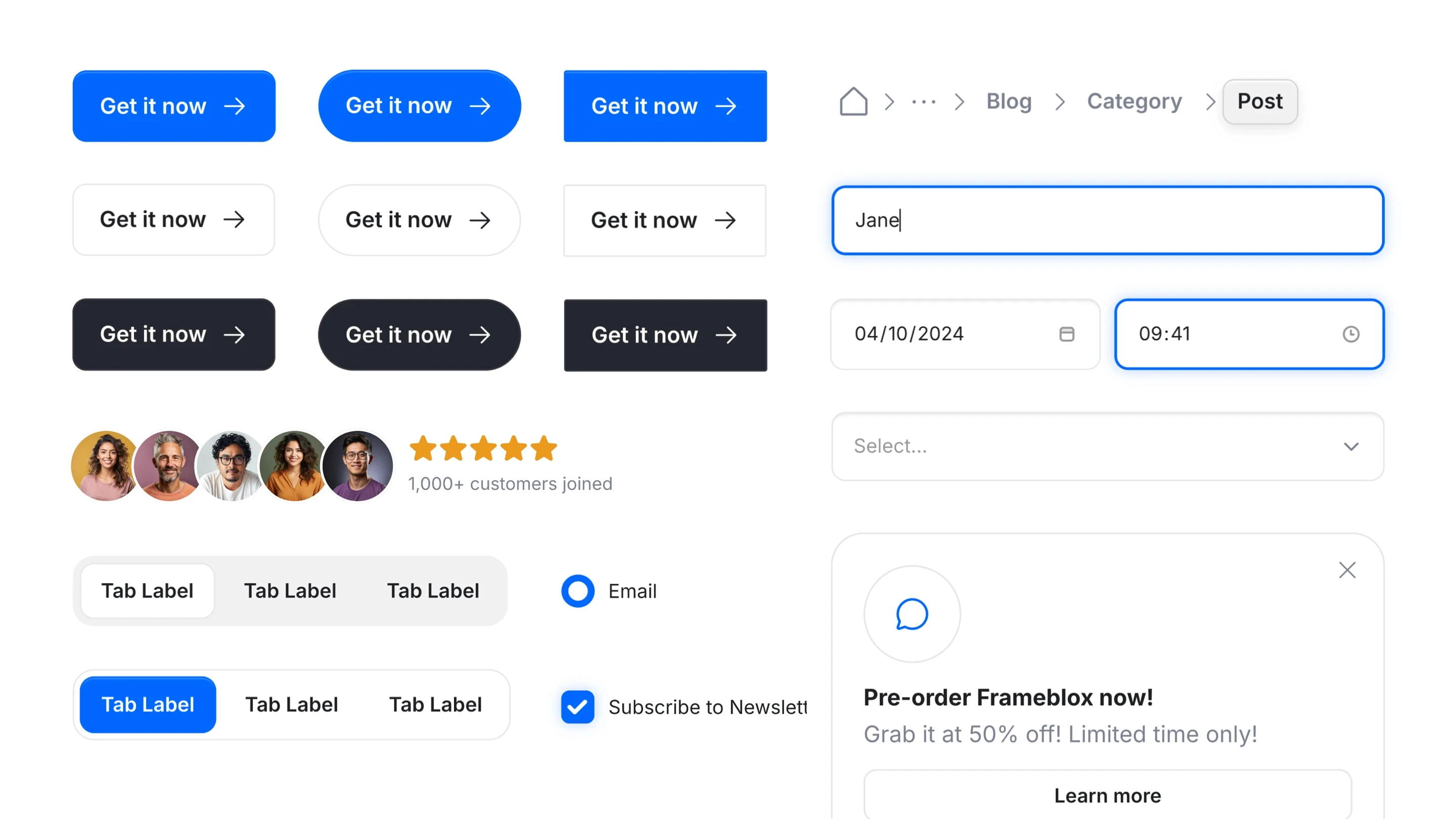
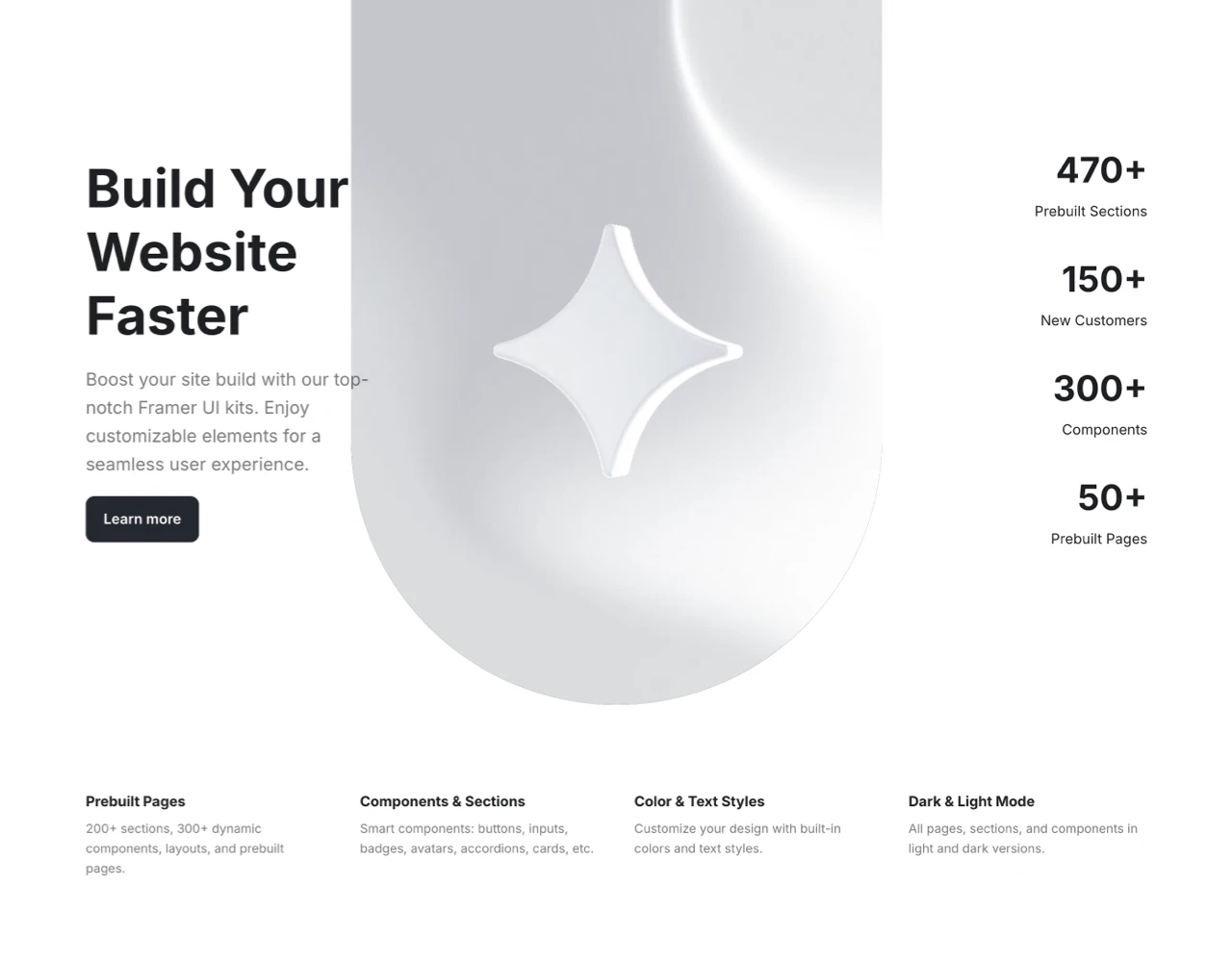
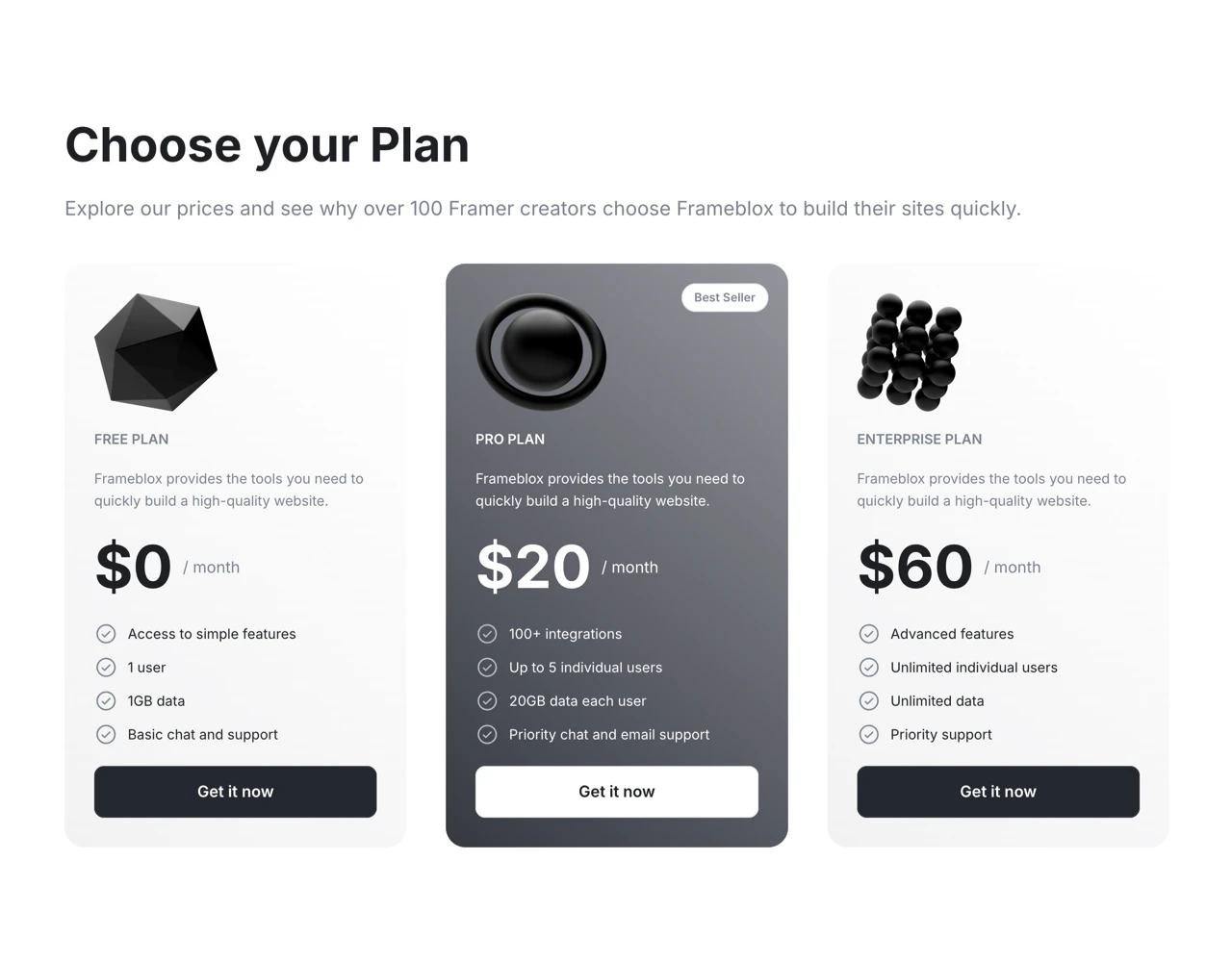
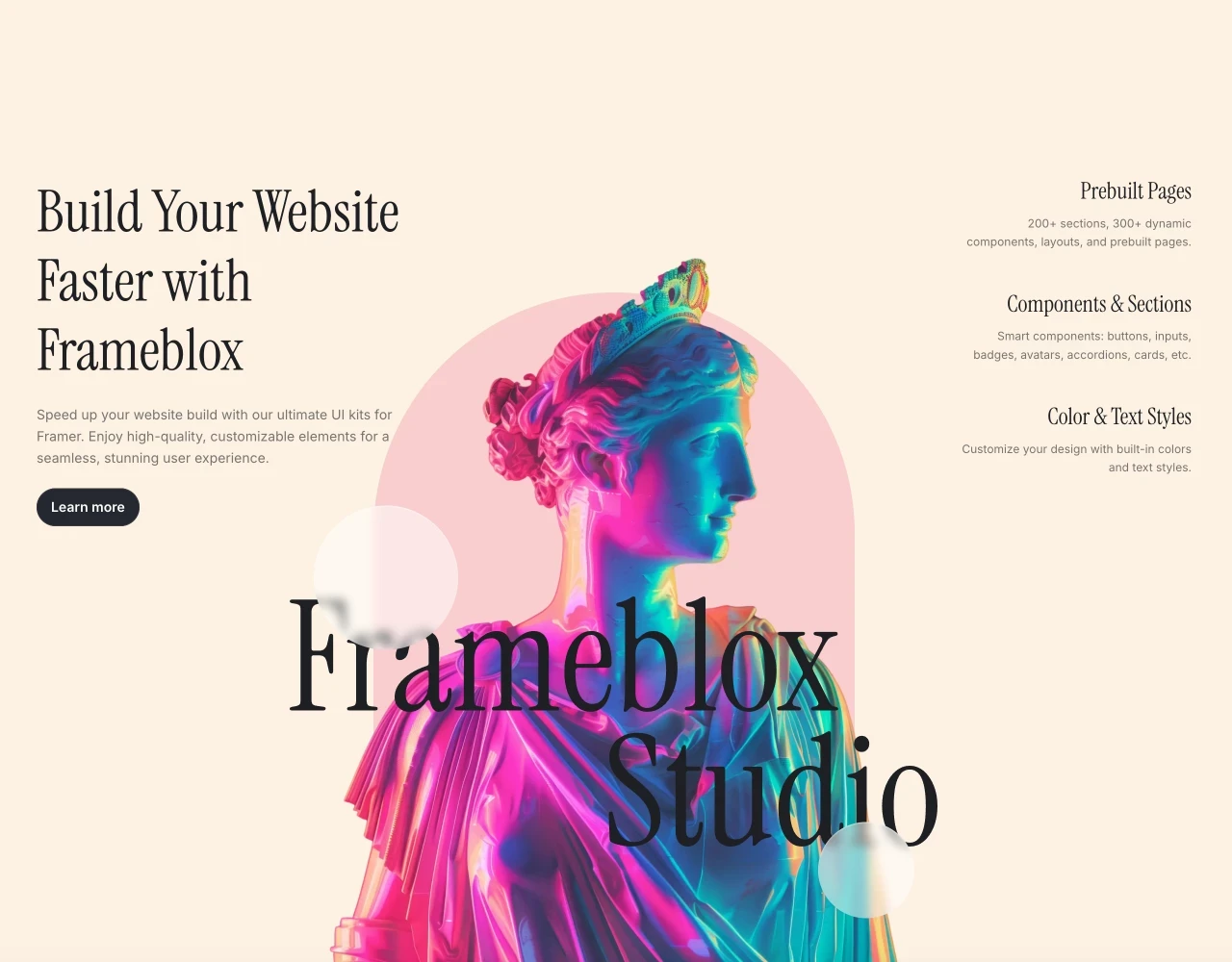
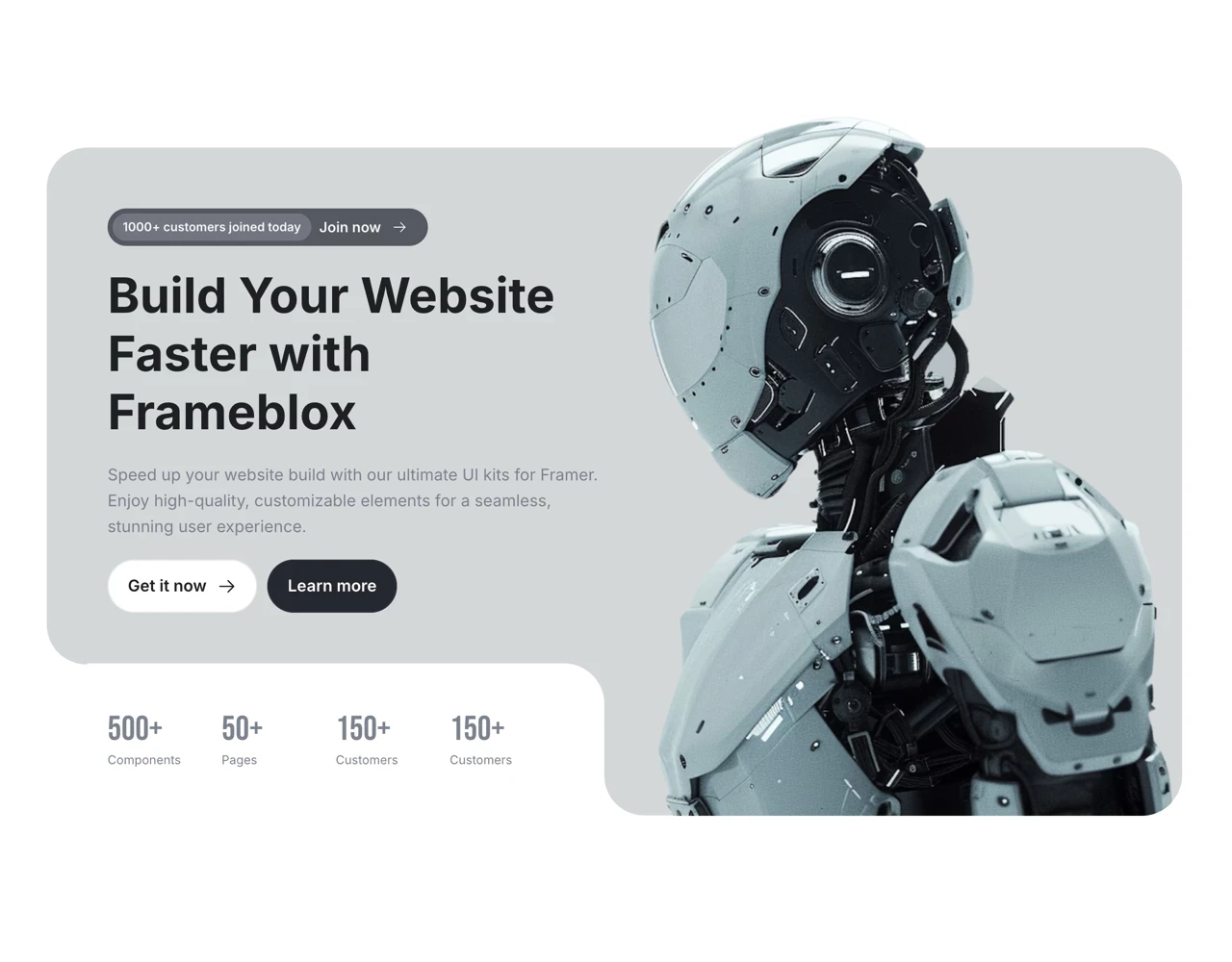
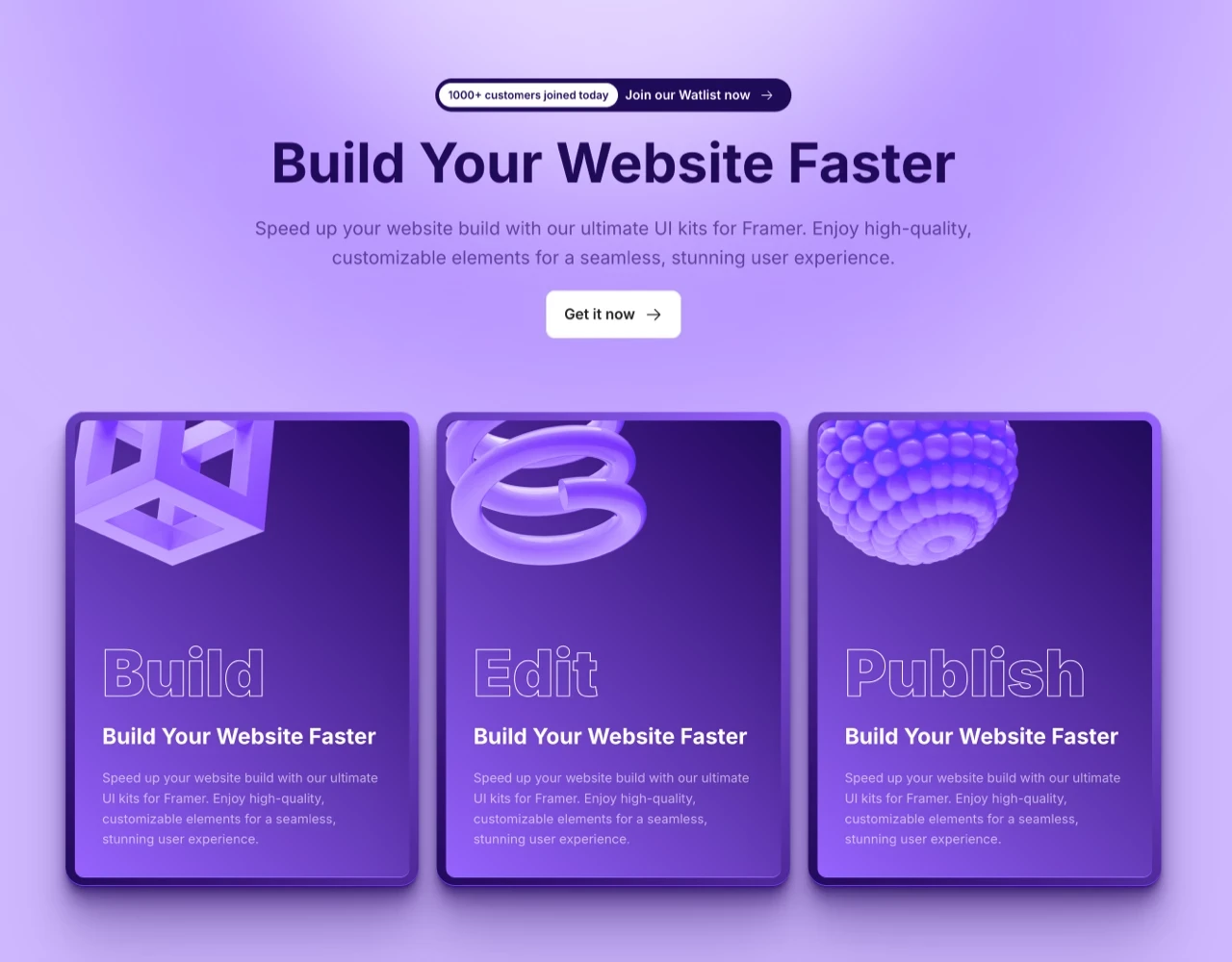
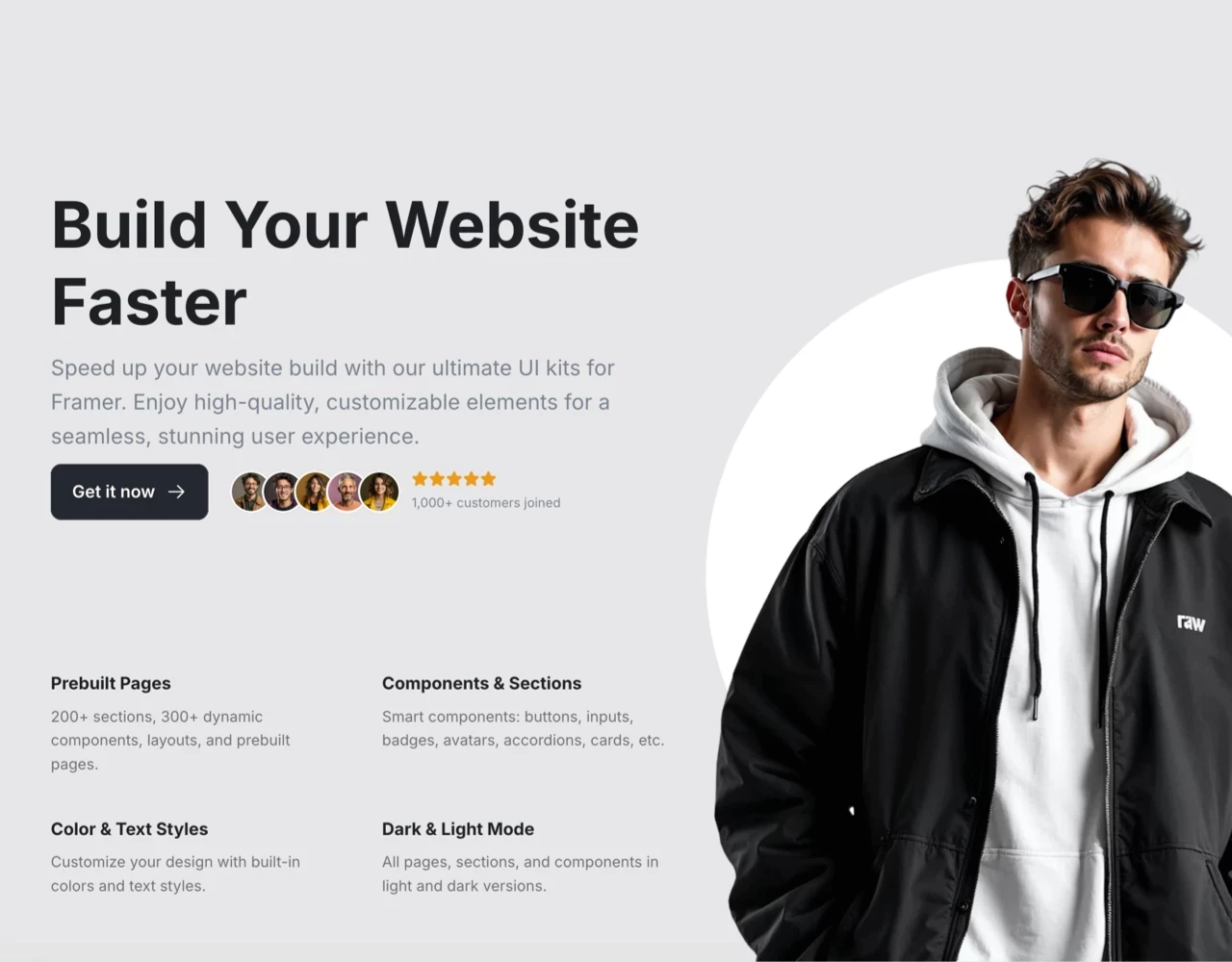
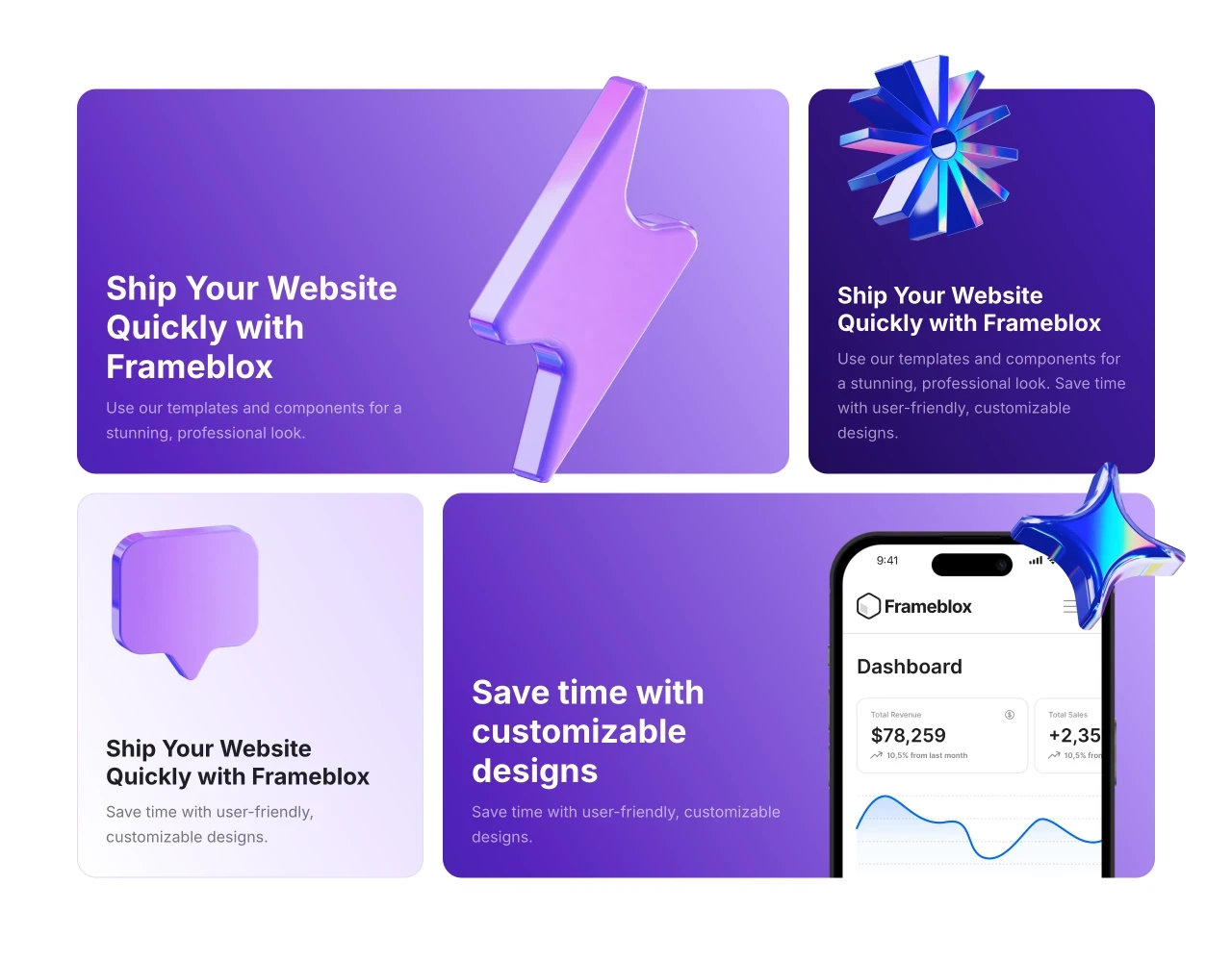
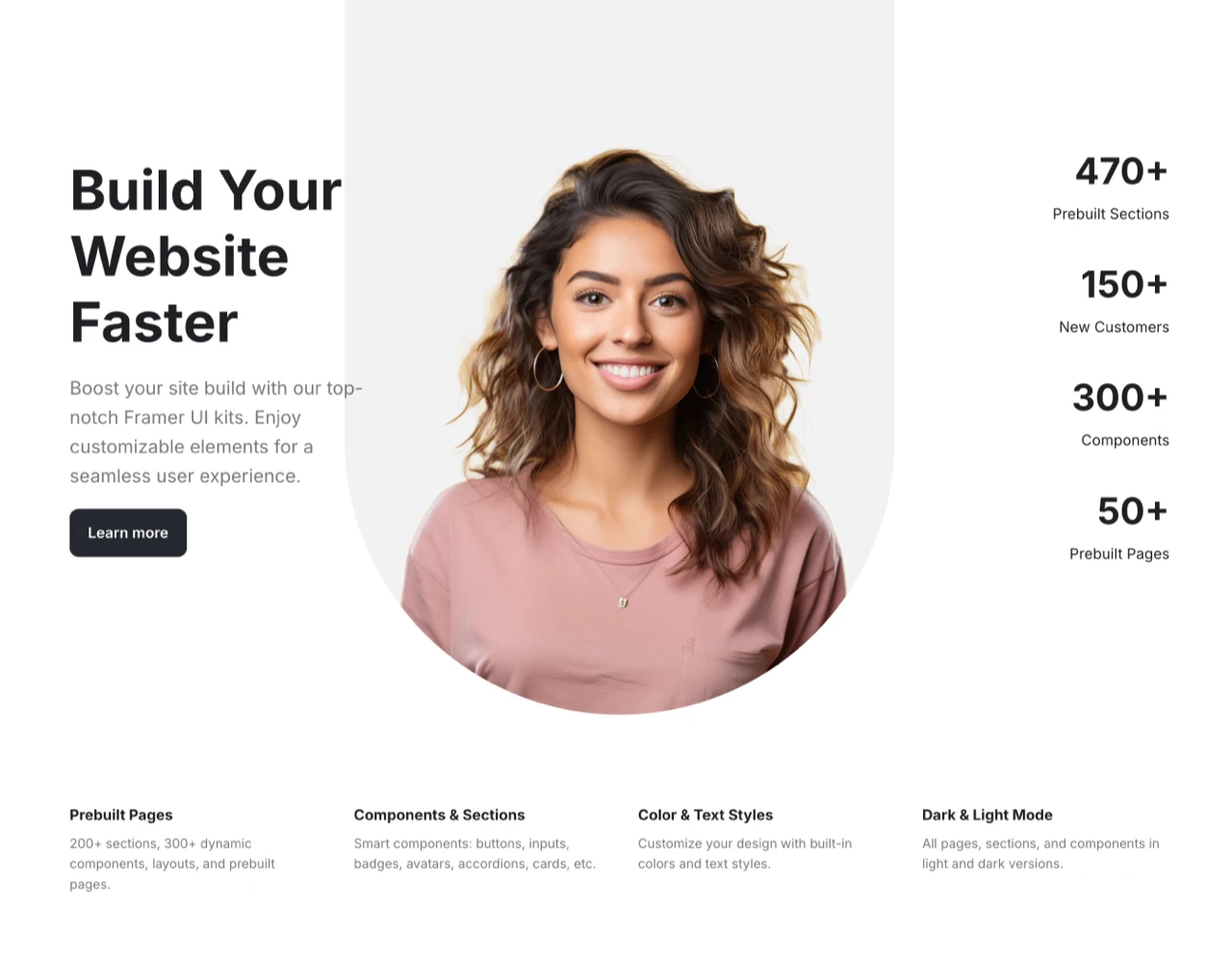
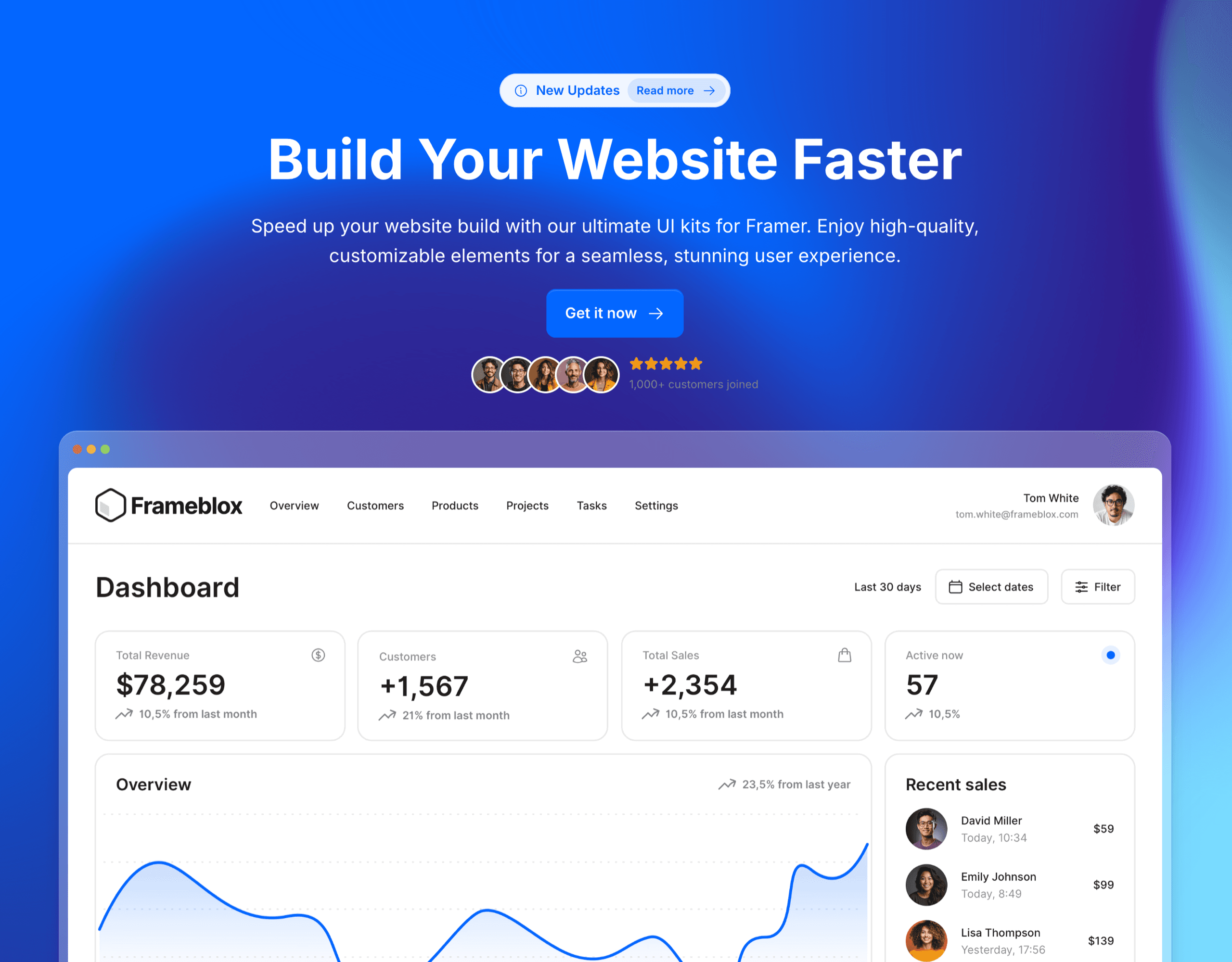
Frameblox for Framer accelerates website creation with a vast library of over 500 drag-and-drop components, layouts, and prebuilt pages. This powerful UI kit includes everything from landing pages to contact forms, simplifying the design process. With features like a color and typography style generator, Frameblox helps streamline and transform your web design experience, saving you hours.
What's included?
600+ prebuilt sections
Component Library - Browse the complete component library here
50+ prebuilt pages
Design style generator, typography and color styles
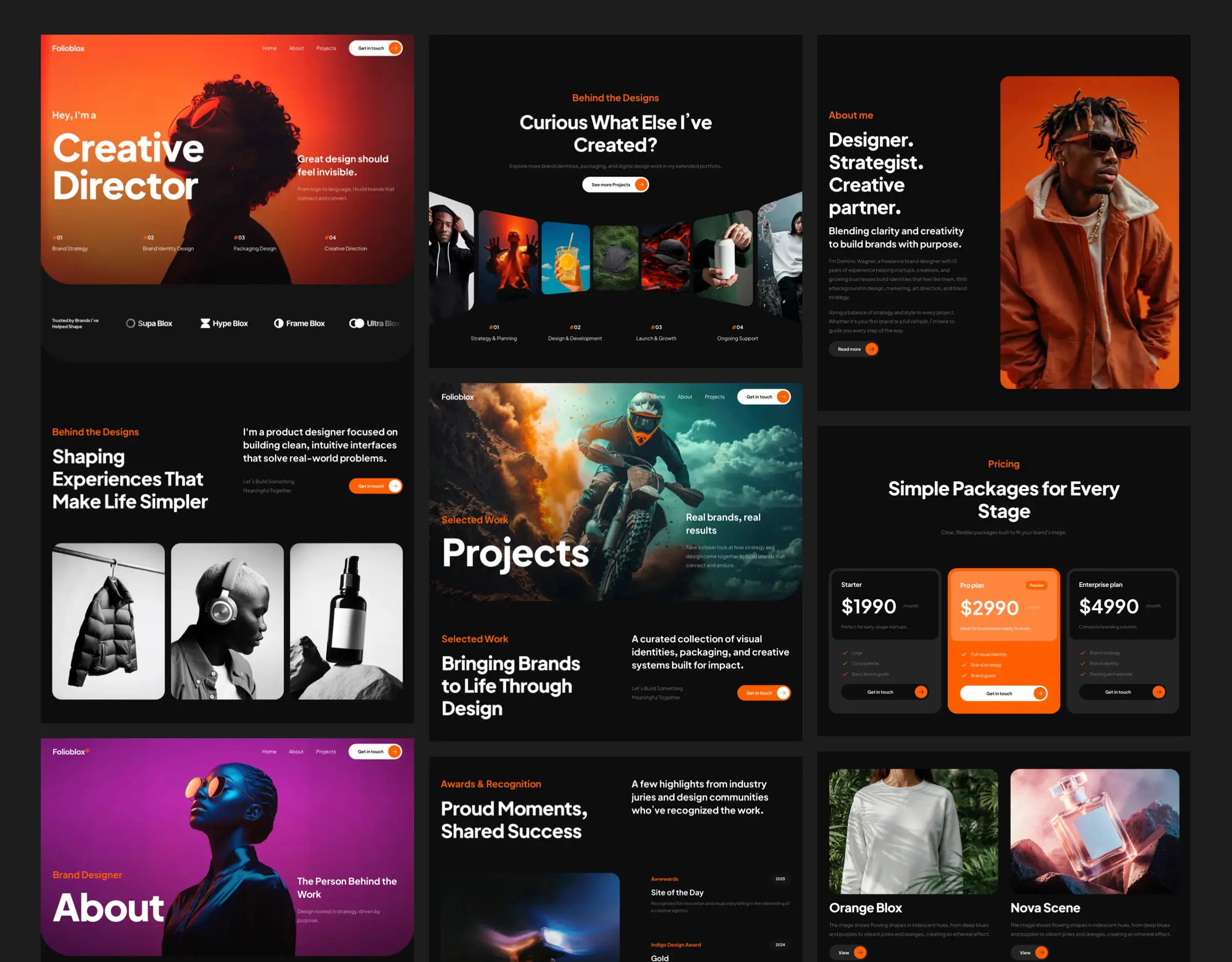
2 prebuilt Framer template
Dark and light vertsion
Regular updates
Lifetime updates

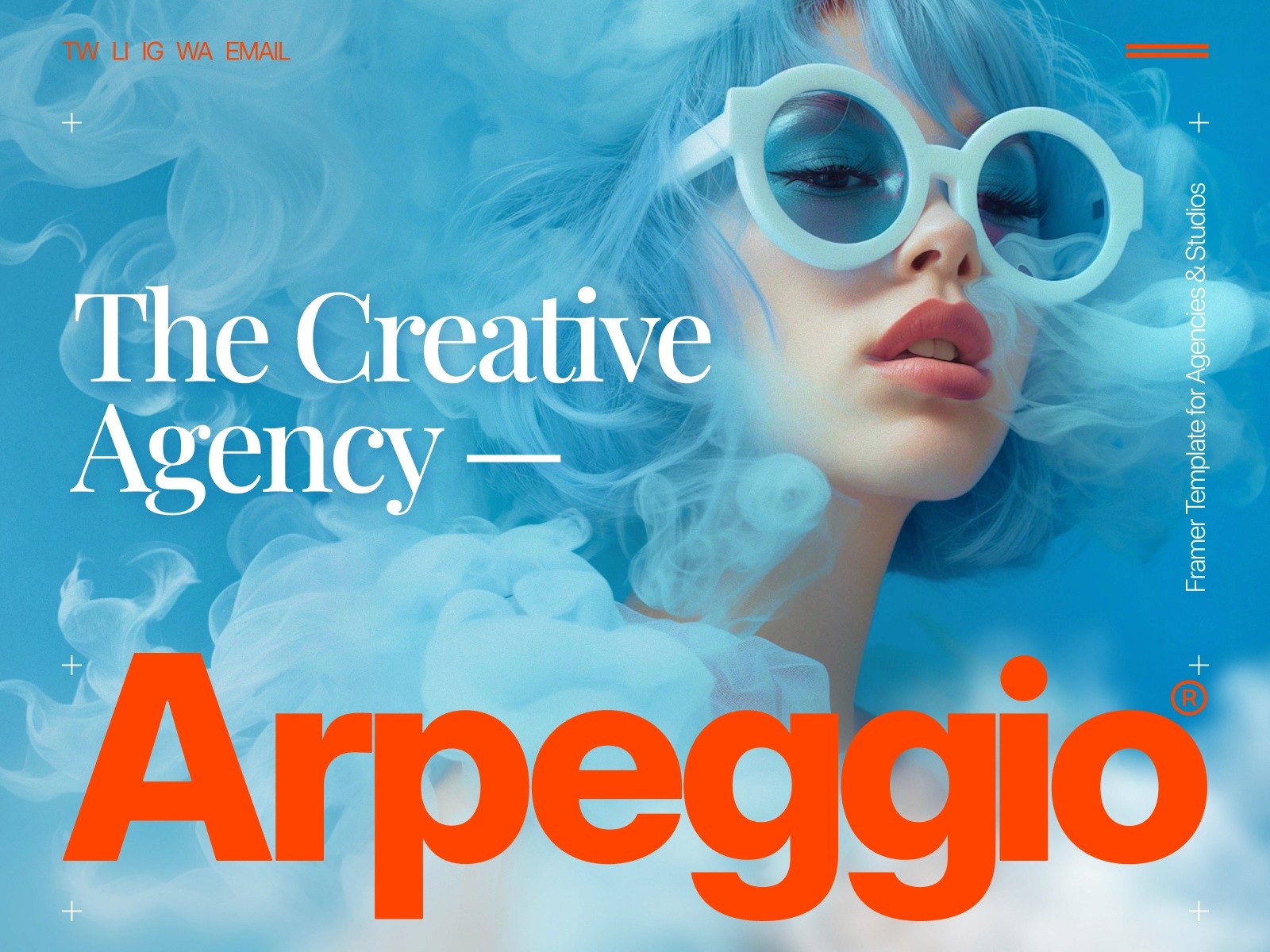
Arpeggio — Digital Agency Template
Arpeggio is a premium Framer template built to turn your portfolio into a client conversion tool. Designed for creative agencies and studios. It drives results through strategic layouts, clear storytelling and polished design. Backed by lifetime support.
Your Portfolio Needs Success
Show Work That Converts — Showcase projects through structured storytelling. Each section highlights key insights and results, turning portfolio visits into client conversations and opportunities.
Focus on Results — Skip the distractions. Strategic layouts and logical content flow help visitors understand your work better. From project details to success metrics—everything is presented to highlight what matters.
Easy to Launch — Customize and launch easily with pre-built components. The built-in Quick Start Guide makes customization journey even simpler. Enjoy regular updates and short video/email support.
Arpeggio by Tamas Bodo

Artemis — Modern Portfolio for Designers and Studios
Artemis is the kind of Framer templates portfolio pick that works when you want to look professional without looking boring. It’s modern, clean, and positioned for designers and studios—basically the “client-facing default” a lot of people need.
Features: modern layout geared toward professional presentation
Artemis focuses on a modern layout that’s geared toward presenting work clearly. The vibe is more “studio site” than “personal scrapbook,” which is usually a good thing if you want prospects to take you seriously fast.
Use case: portfolio for designers and studios
If your projects include product design, brand systems, web design, or studio-style case studies, Artemis fits naturally. It’s a solid choice for anyone looking for best Framer templates for designers that read as credible right away.
Pros/Cons: Free template; modern positioning for client-facing work
Pros: Free, modern, and easy to imagine as a client-facing portfolio.
Cons: Because it’s “clean-modern,” you may want to add a bit more distinctive personality (color, type, motion, or unique section design) to stand out.
Who it’s for: designers, small studios, and teams needing a modern look
Artemis is great for freelancers who want to look like a studio, studios that want to look a bit bigger, or teams that need a tidy place to publish work.
Artemis by Neueframe

TD_Zarafolio — Animation-Based Portfolio for Creatives
If motion is part of your brand (or your work), TD_Zarafolio is the template here that’s explicitly about animation-led presentation. It’s a free Framer portfolio template, which makes it a low-risk way to test whether an animation-forward portfolio actually helps your work land better.
Features: animation-based portfolio approach
The defining feature is right in the use case: animation is a core part of how the portfolio experience works. Instead of relying only on static grids and pages, this leans into motion to guide attention and create impact.
Use case: creatives who want motion/animation to lead the experience
For motion designers, creative coders, or anyone whose work benefits from an energetic presentation, TD_Zarafolio can make the portfolio feel alive. As a Framer templates portfolio choice, it’s especially good when your output is dynamic (reels, animated branding, interactive concepts).
Pros/Cons: Free template; animation-first approach may not fit every brand
Pros: Free, distinct, and built around movement—which can make you more memorable.
Cons: Animation-first isn’t for every brand. If your clients are more conservative, you may want to tone down motion or ensure your content is still easy to scan quickly.
Who it’s for: motion-forward creatives and anyone showcasing dynamic work
If you want your site to feel like a trailer, not a brochure, this one’s worth a look.
TD_Zarafolio by Tom D

Quattro — Clean Modern Portfolio You Can Publish Quickly
Quattro is the “ship it” option in this list. If your current portfolio situation is a half-finished Notion page, a Behance profile, or an old site you’re slightly embarrassed to share—this kind of Framer templates portfolio template can get you live fast with a clean, modern feel.
Features: clean, modern structure designed for speed to publish
Quattro is designed around a clean structure and quick publish energy. That matters more than people admit: the sooner you’re live, the sooner you can iterate based on real feedback (and real client conversations).
Use case: fast launch portfolio with a modern feel
This is ideal when your priority is to get a modern portfolio online without weeks of polishing. You can start with Quattro, add your projects, and then gradually customize.
Pros/Cons: Free template; optimized for quick publishing
Pros: Free, modern, and geared toward getting you published quickly.
Cons: “Quick publish” templates can sometimes feel generic if you don’t customize typography, spacing, and a couple of signature sections.
Who it’s for: anyone who needs a clean portfolio live ASAP
If you’re applying for roles, pitching new clients, or you just want a clean baseline this week—not next month—Quattro is a practical win.
Quattro by Easyfast

Portfolite — Minimal Portfolio and Agency Presentation
Portfolite is minimal in a way that feels intentional. If your work is strong, minimal templates can be a great move because they don’t fight for attention—they frame the work and get out of the way. As Framer portfolio templates go, this one is a straightforward “less, but better” option.
Features: minimal design with agency-friendly presentation
Portfolite is positioned as a minimal portfolio and an agency presentation template. That’s a subtle but important combo: it suggests you can show projects and also present yourself like a service provider (process, capabilities, positioning).
Use case: minimal portfolio plus agency presentation needs
If you’re a freelancer who sometimes collaborates with others, or a small agency that wants a simple, focused presence, Portfolite fits well. In the broader world of Framer templates portfolio picks, it’s a nice bridge between “personal portfolio” and “agency site.”
Pros/Cons: Free template; minimal styling for a focused, simple site
Pros: Free and minimal—great for clarity and speed.
Cons: Minimal can look plain if your content (writing + visuals) isn’t strong. You may want to add a couple of standout sections.
Who it’s for: individuals or agencies wanting a stripped-back portfolio
If you want the work to do the talking, Portfolite is a solid choice.
Portfolite by Framebase

Solide — Minimal Premium Portfolio for Agencies (Paid)
Solide is the paid, premium-leaning option for agencies that want minimal design but still want it to feel elevated. If you’re aiming for “quiet confidence,” this is the kind of Framer agency portfolio template direction that can work really well.
Features: minimal premium template positioning
Solide is explicitly positioned as minimal and premium. That usually means it’s designed to feel polished out of the box—something you’d show to higher-budget clients without having to apologize for rough edges.
Use case: premium portfolio for agencies
For agencies, the portfolio isn’t just about pretty screenshots—it’s about trust. A premium template foundation can help you look established even if you’re a small team.
Pros/Cons: Paid template; premium option for agency portfolios
Pros: Premium positioning and paid baseline can save time versus building a refined agency look from scratch.
Cons: It’s paid, so you’ll want to be sure the minimal-premium vibe matches your client base and your work style.
Who it’s for: agencies that want a minimal, premium portfolio presence
If your agency sells branding, product design, or web work where presentation and trust matter a lot, Solide is worth considering.
Solide by Art4web

Baseform — Portfolio for Agencies and Freelancers (Paid)
Baseform is another paid option, positioned for both agencies and freelancers. In other words: it’s meant to be a professional services baseline—something you can shape into your own without starting from a blank canvas.
Features: built for agency and freelancer portfolio needs
The main promise here is broad fit: it’s built for agencies and freelancers. That usually means the structure supports typical service-business needs—showing work, explaining what you do, and giving people an easy path to contact you.
Use case: portfolio site for agencies and freelancers
If you’re in that middle zone—solo most of the time, teaming up as needed—Baseform can be a comfortable match. It’s the kind of Framer templates portfolio choice that can flex with your business as it grows.
Pros/Cons: Paid template; positioned for professional services
Pros: Paid baseline often means a more “ready for business” feel.
Cons: “Professional baseline” can still require customization to avoid looking like everyone else using the same template.
Who it’s for: freelancers and agencies wanting a paid template baseline
If you’d rather pay for a solid foundation and spend your time polishing content and projects, Baseform makes sense.
Baseform Creator: ThemeRain

Luca — Premium Portfolio for Creatives (Paid)
Luca is the premium creative option in this list. If you want your portfolio to feel polished and elevated—more “designed object” than “simple webpage”—this is the paid template that fits that brief.
Features: premium creative portfolio positioning
Luca’s positioning is all about premium creative presentation. That tends to be ideal when you want your site to signal taste and detail. If you’ve ever felt like your work is strong but your site makes it feel average, a premium template can help close that gap faster.
Use case: premium portfolio for creatives
This is for creatives who care about how the work is framed: the pacing, the layout, the overall experience. As a Framer templates portfolio choice, Luca is less about “just get it online” and more about “make it feel intentional.”
Pros/Cons: Paid template; aimed at a polished creative presentation
Pros: Premium baseline for creatives who want a refined look.
Cons: Paid, and you’ll still want to customize to match your personal brand so it doesn’t feel off-the-shelf.
Who it’s for: creatives who want a premium template foundation
If you’re pitching higher-end clients or roles and want the site itself to feel like part of your portfolio, Luca is a strong contender.
Luca by ena supply

Portfolio Website Templates — Browse Framer’s Portfolio Category
Sometimes the best template isn’t the one someone else picked—it’s the one you find after 15 minutes of browsing and comparing. That’s exactly what Framer’s category pages are for. The Portfolio Website Templates page is a centralized way to scan what’s available right now in the portfolio category.
Features: category page for portfolio templates in the marketplace
This category page is a marketplace browsing hub. It’s not a single Framer templates portfolio template—it’s your shortcut for comparing multiple options without relying on random recommendations.
Use case: browse portfolio templates by category
If you’re still exploring, this is where you can broaden your options beyond a shortlist. It’s also useful when you already know the vibe you want (minimal, modern, playful) and you want to see more variations before committing.
Pros/Cons: Free browsing; best for comparing multiple portfolio options quickly
Pros: Free to browse, fast to compare, great for discovery.
Cons: The sheer number of choices can slow you down if you don’t have your “must-haves” defined.
Who it’s for: anyone who wants to explore more portfolio templates beyond a short list
If you’re indecisive (no shame) or you’re trying to match a very specific brand vibe, start here.
How to Choose Between These Framer Portfolio Templates
Here’s the honest truth: most Framer portfolio templates can be made to work. The best choice is the one that matches your content and your goals today—and won’t fall apart when you add two more case studies next month. If you’re building fast (and you probably are), treat your template like a foundation, then rely on reusable sections/components to customize.
Match the use case: playful (Akio) vs modern (Artemis/Quattro) vs animation-based (TD_Zarafolio) vs minimal (Portfolite/Solide)
Playful: If you want charm and personality upfront, Akio is the playful Framer templates portfolio pick.
Modern: If you want a clean professional look for designers/studios, Artemis is a great free option. If speed matters most, Quattro is the “publish quickly” modern route.
Animation-led: If motion is the point (or your differentiator), TD_Zarafolio leans into that.
Minimal: For stripped-back clarity, Portfolite is free and minimal. For minimal but premium agency presence, Solide is the paid step up.
Decide free vs paid: Free (Akio, Artemis, TD_Zarafolio, Quattro, Portfolite) vs Paid (Solide, Baseform, Luca)
If budget is tight, start with a free Framer portfolio template and spend time polishing content. If your site is a direct revenue tool (agency leads, freelance inquiries), paid templates like Baseform or Luca can be worth it to get a more premium baseline faster.
If you’re undecided: start in Framer’s category pages (Portfolio, Creative) to compare more options
When you can’t decide, don’t force it—compare. Start with Portfolio Website Templates for direct comparisons, then scan Free Creative Website Templates & Portfolio Designs if you want a wider range of creative directions.
One practical tip from the “build fast” mindset we use in SaaS: once you pick a template, set up a consistent section system so your site stays cohesive as you add pages. If you’re already building in Framer, having a component library ready (like the copy/paste sections inside Frameblox Pro) helps you keep that consistency across multiple pages without redesigning every time. You can explore section ideas and patterns through All and keep typography/color consistent via Styles.
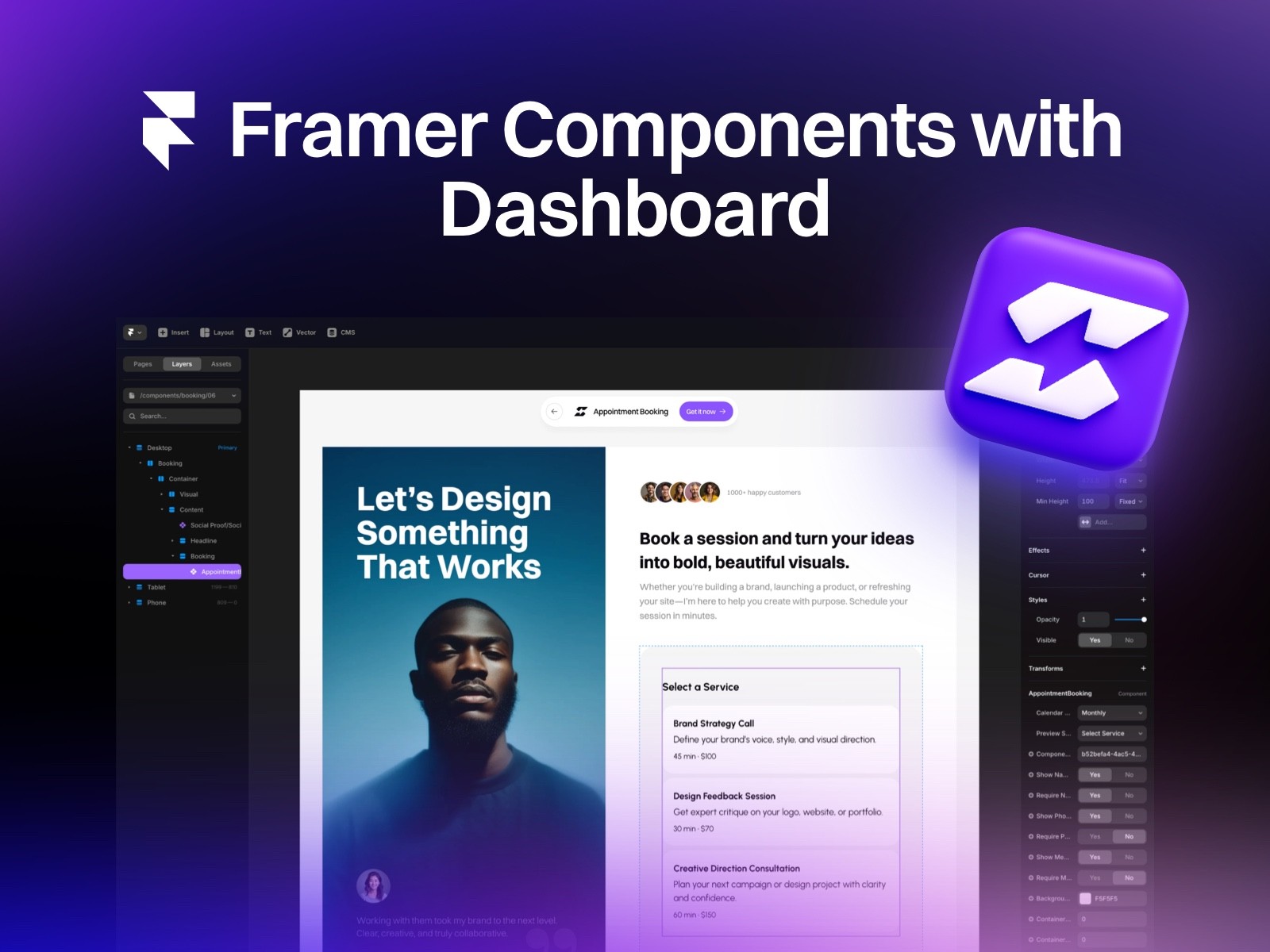
Supaframe
Smart widgets that don’t just look good. They run your workflow.
Supaframe helps you collect messages, bookings, feedback, and emails from your website — and manage every customer interaction from a single, simple dashboard.
Your Next Steps: Choose, Customize, Publish
Templates are only valuable if they help you ship. Here’s a simple way to move from browsing to publishing—without getting stuck in portfolio perfectionism.
Shortlist 2–3 templates based on the use case and price
Pick two or three from this list that match your vibe and your business needs. For example:
Use the marketplace pages to compare and pick your final direction
If you’re still not sure, spend 10 minutes on the category pages and compare patterns: how projects are displayed, how navigation feels, and whether the template supports case studies vs galleries. Start here: Portfolio Website Templates.

Blogie — Blog smarter in Framer
The Blogie Framer Plugin lets you generate, publish, and sync high-quality, SEO-ready blog posts directly from Framer. Write or update content with AI, publish in one click, and keep your blog fast, clean, and perfectly integrated with your Framer site.
The Blogie.ai Framer Plugin adds Blogie AI’s SEO and content intelligence directly to your Framer site. Instead of guessing what to write, Blogie connects with Google Search Console to analyze real search data and surface keyword opportunities that can improve your rankings. Based on these insights, Blogie recommends article ideas, titles, and angles—so you always know what content to publish next.
Blogie AI handles keyword research, SEO optimization, and content generation automatically. You can write and edit human-sounding, SEO-ready articles, refine sections or tone, and schedule posts to publish on your Framer site exactly when you want. With automated publishing and flexible scheduling, Blogie helps you stay consistent without manual work—publishing content as often as you choose, on autopilot. The result is a faster, data-driven way to create, optimize, and publish blog content in Framer that’s built to rank on Google.

Features
Google Search Console integrationAnalyze real search data to uncover keyword opportunities and ranking improvements.
Keyword-driven article recommendationsGet AI-powered suggestions on what to write next based on keywords that can boost your Google rankings.
AI-powered SEO content writingGenerate high-quality, human-sounding, SEO-optimized articles with Blogie AI.
Effortless content editing and refinementRewrite sections, adjust tone, expand ideas, or improve clarity with instant AI edits.
Automated publishing to FramerPublish articles directly to your Framer site with one click or on a scheduled basis.
Flexible scheduling & content automationSet your own publishing cadence and let Blogie publish content automatically.
Built-in SEO optimizationAutomatic meta tags, keyword placement, and SEO best practices applied to every article.
Data-driven content workflowTurn real performance data into actionable content ideas—no guessing, no spreadsheets.
Humanized AI contentContent designed to sound natural and readable, not generic or “AI-written”.
Publish quickly with a template that matches your portfolio goal (creative, studio, agency, freelancer)
Once you pick, publish a “version 1” quickly: homepage, work/projects, about, contact. Then iterate. If you want to speed up customization while keeping everything consistent, use a repeatable section/component approach—this is exactly where a design system mindset helps. Frameblox is built for that kind of workflow: reusable sections, consistent styles, and lots of components you can copy/paste into Framer. If you want to explore that approach, start with Components and build your portfolio like a product: ship, learn, refine.
Practical final advice: choose the Framer templates portfolio option that makes your best work easiest to find, easiest to understand, and hardest to forget. The right template won’t just “look good”—it’ll make the story of your work feel effortless.
This article was created using Blogie.